
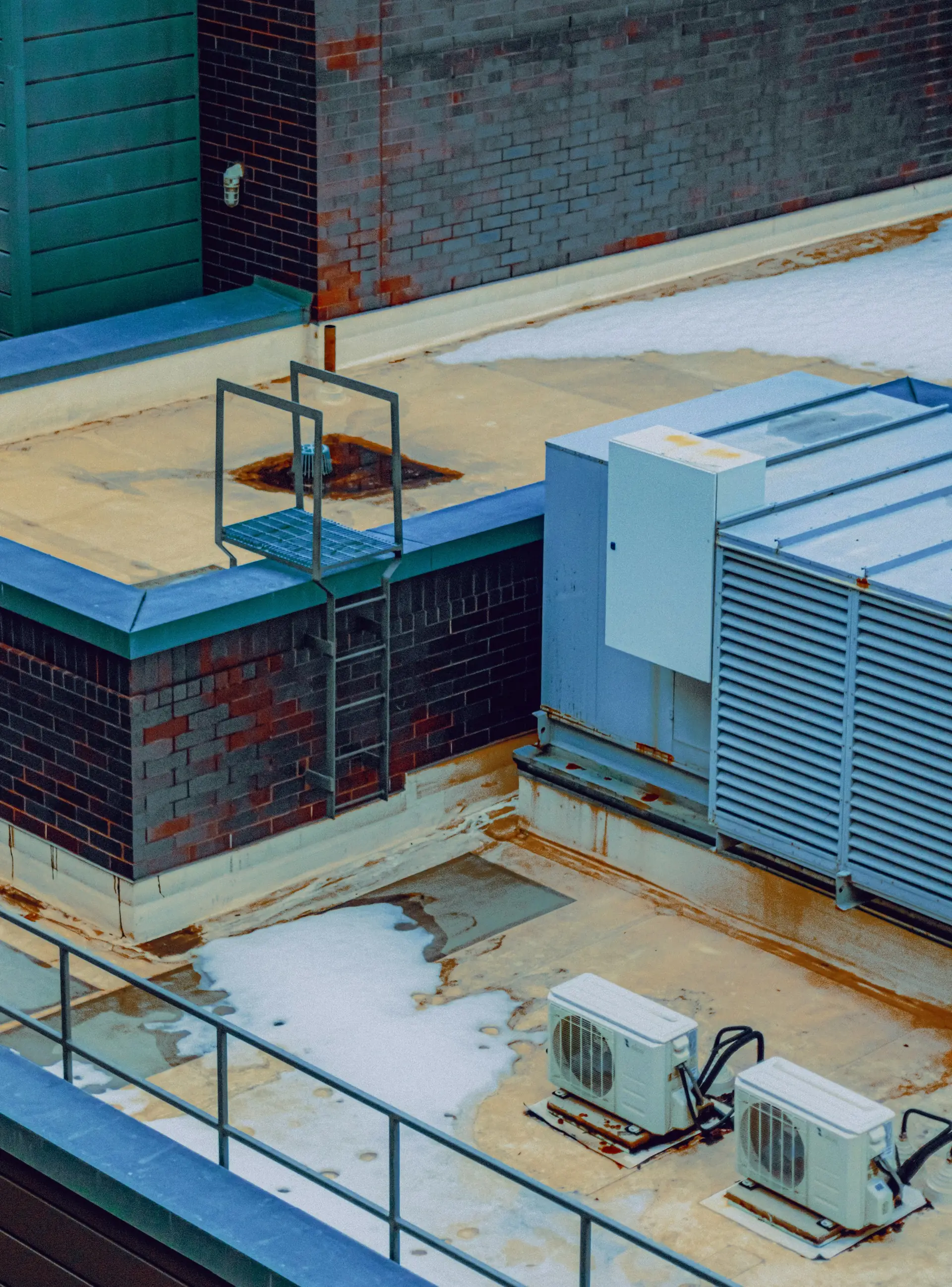
Technical building management for property operators
Technical responsibility does not stop at the next property boundary. HubDix connects the overview of all properties with the individual records on site – installation, contract, evidence.
The challenge
Bring property knowledge together
Changes of operator, contractors or technical contacts can break important connections. Consistent references to property and installation therefore matter more than yet another task list.
Deadlines and responsibilities defined by your experts must be findable together with the evidence – years later and by a deputy.
Three questions that need fast answers
- Which installation is meant? Asset type per property, optionally individual units with an asset number.
- Which contract covers the service? Contracts with subject, properties and affected units.
- Where is the latest report? On the history entry, searchable in the Document Center.
In HubDix
Steer technical processes per property
Maintenance and inspections belong to a property and an asset type; defects, cost approvals and external assignments stay on their records. The technical overview supports prioritisation across all properties.
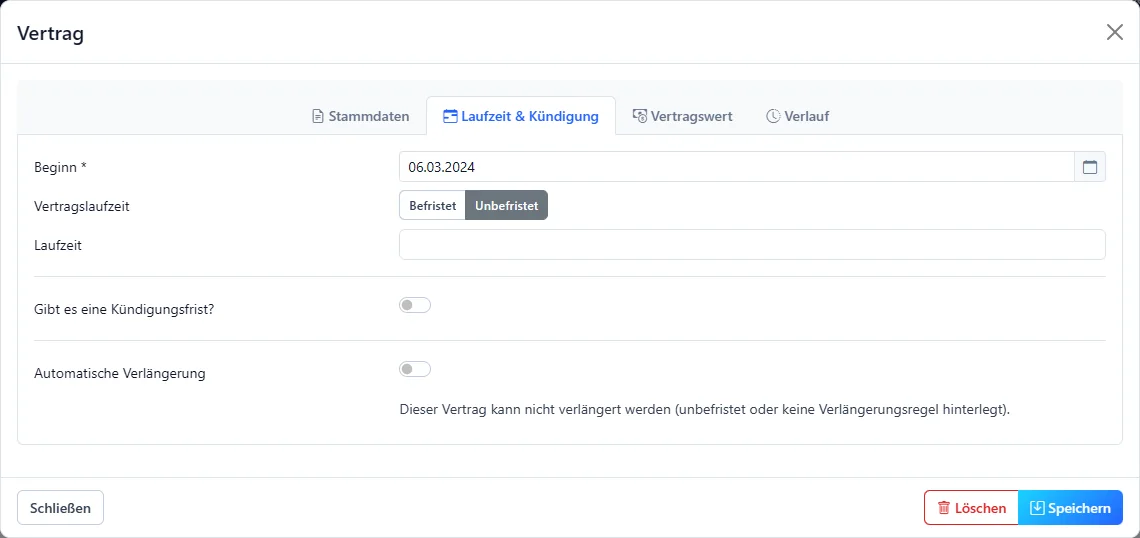
- One contract can cover several properties and several subjects
- Technical documentation per property and asset type, shared by maintenance and inspections
- Operating companies with a profile; a change of operator does not change contracts
- The assistant reads operating manuals and reports you are allowed to see
Fictitious example
Example: one maintenance contract for three properties
A contract covers the ventilation systems in three office buildings. The contract is shared – the work and its evidence are not.
- ContractRecorded onceAssigned to the three properties, with notice date and a reminder to owner and deputy.
- MaintenanceKept per propertyEach maintenance record keeps its property, due date and history; the contract is assigned there.
- FindingDefect at property BThe report shows a finding; the team creates a defect with a deadline. Property B changes to “attention”.
- Head officeOverview, not a contract statusHead office sees the need for action at property B; A and C remain unremarkable.
Scope: contract costs are not split automatically between properties or companies.
Before you start
Clarify terms and responsibilities
The property variant is configured for your instance through terms and the asset catalogue. Clarify beforehand how properties, operators and individual installations are identified.
- Walk through one sample contract and one maintenance record together
- Decide who maintains data, reviews results and approves actions
- Bring existing contract PDFs in as reviewable drafts via the AI import
Deliberately not included
- Rent accounting and service charge statements
- CAD-based space management
- Automatic cost allocation between companies
HubDix focuses on technical building operations. Commercial processes stay in your existing systems.
FAQ
HubDix for property operators
Is HubDix a commercial property management system?
No. Its focus is technical building operations. Lease management and service charge accounting are not offered.
Can one contract cover several properties?
Yes, contracts can be assigned to several sites. Contract costs are not split automatically between properties.
Can individual units be managed separately?
Yes. By default an installation is an asset type at a property. If you want to keep several units of one type apart, you can optionally create individual installations with a name and asset number.
Read on
Related resources
Features and templates for multiple properties.
See HubDix for yourself.
The demo is a complete instance with fictitious sites and data. For questions about your operation, your installations and your processes, write to us.
The demo is set up for hotels – features and handling are the same in every industry.