
Facility management software for technical operations
Almost all data in HubDix belongs to a site: maintenance, inspections, defects, projects, contracts and documents. From this, HubDix derives key figures, calendar entries, notifications and a technical status – calculated by the same rules everywhere.
Operations cockpit
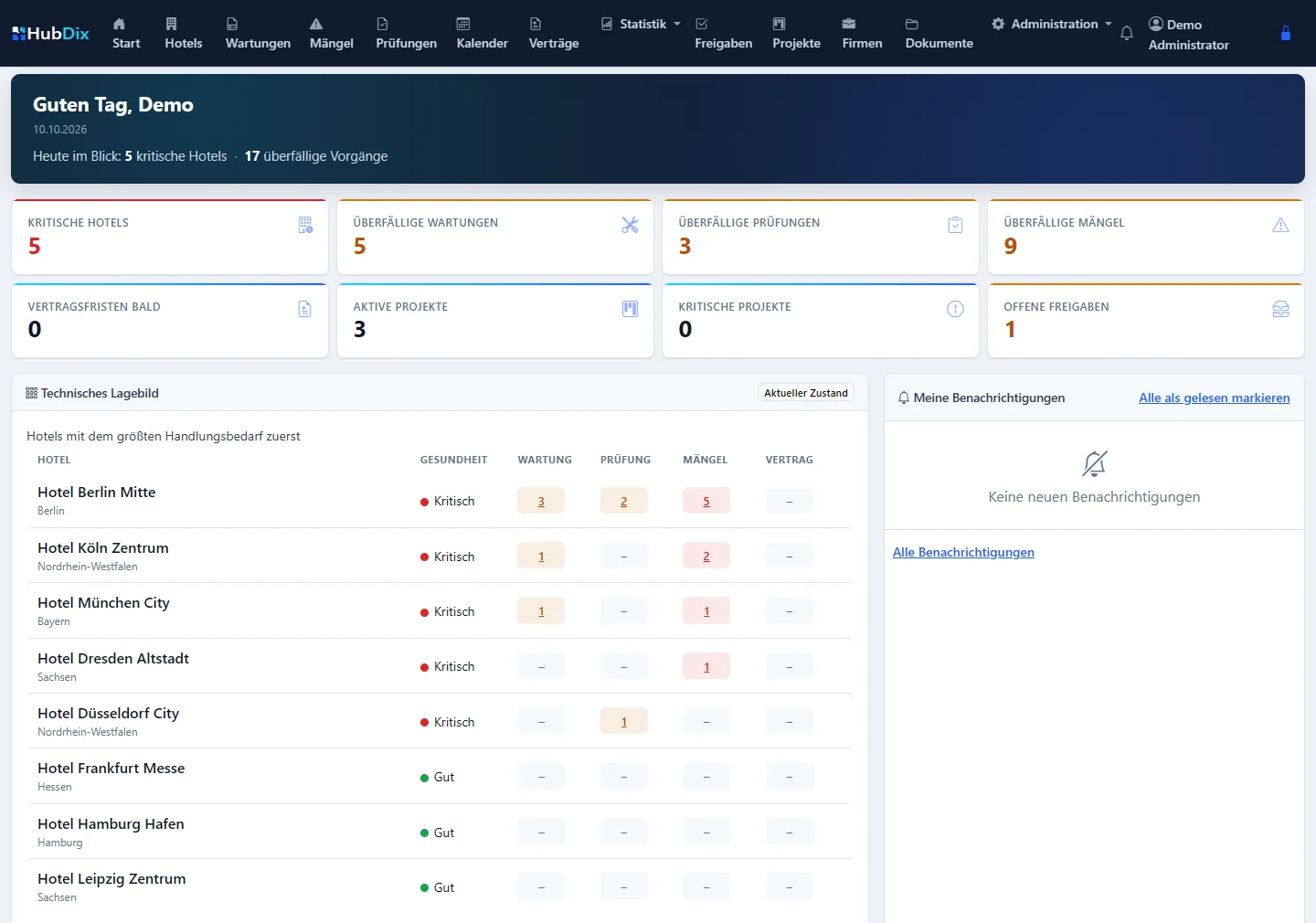
The start page answers: what do I need to know or do right now?
After signing in, one sentence sums up the day – for example "5 critical sites · 17 overdue items". Below it are key figures that link straight into the matching filtered list.
- Key figures on critical sites, overdue maintenance, inspections and defects, contract deadlines, projects and open approvals
- Technical status overview: the sites with the greatest need for action first
- Timeline "Overdue · Today · 7 days · 30 days", filterable by area
- Personal notifications, quick actions and external work orders
All figures match the lists and statistics and respect your site and department access.
Technical status
Is operator responsibility under control? The answer comes with reasons.
For each site, HubDix derives one of four states from real, stored deadlines and defects. The strongest applicable state always wins; within it, every reason is listed – for example "5 overdue open defects · 2 overdue inspections".
At least one overdue open defect, overdue inspection or overdue maintenance.
Nothing overdue, but open defects or maintenance and inspections due within the next 30 days.
Maintenance or inspections are recorded; nothing is overdue, due soon or open.
Neither maintenance nor inspections are recorded for the site.
What affects the status – and what does not
- Maintenance and inspections: overdue means critical, due within 30 days means attention
- Defects: open and overdue means critical, open means attention
- Contracts, projects and vendor reviews have no influence
- No points, no percentage, no opaque AI score
The status is recalculated every time it is viewed. There is no stored health value that could go stale.
Technical assets
Everything about an asset in one place – without a separate asset register.
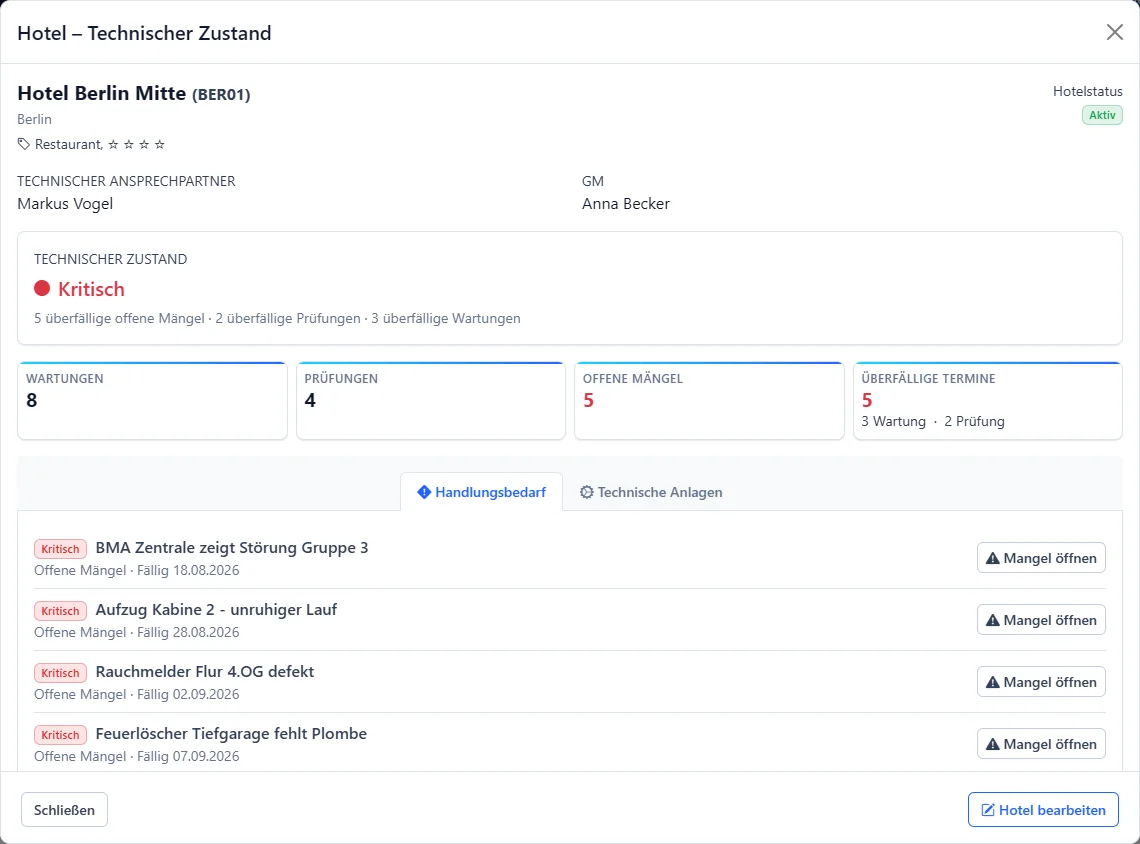
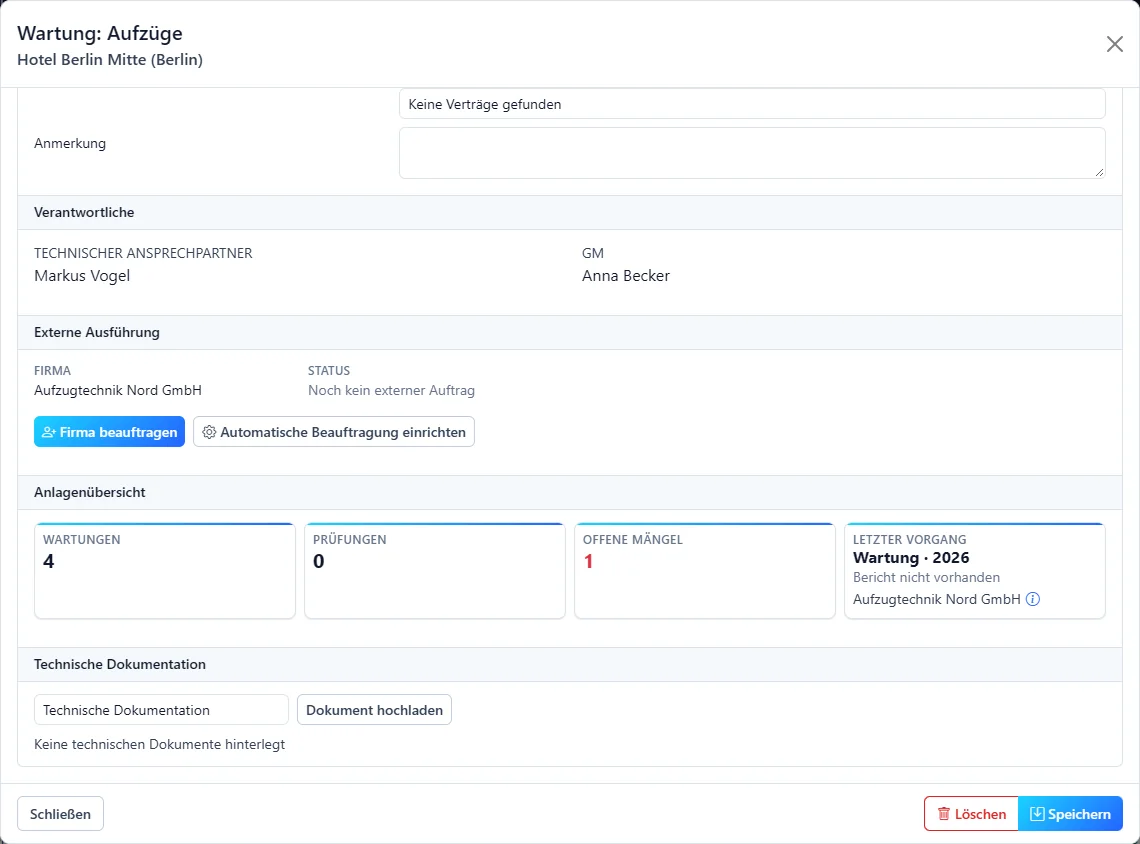
In HubDix, an asset is an asset type at a site, for example "lifts" or "fire alarm system". It appears automatically as soon as there is maintenance or an inspection for it. If you want to track several units of one type separately, you can optionally add individual units with a name and serial number.
- Asset details with maintenance, inspections, defects, defect costs and technical documentation
- History over 12 months, 36 months or the entire period: timeline, result distribution, defect and cost trends
- Defect costs kept separate per currency, never added up
- "Ask AI" directly from the asset details
Deliberately without a health score, remaining-life estimate or automatic replacement recommendation: the judgement stays with you.
How it connects
One change, visible wherever it matters.
HubDix never stores a due date twice. When maintenance becomes overdue, every area reflects it at once – and every signal ends at once when the completed maintenance is recorded.
- Next maintenance date passedcalculated from the interval and the last history entry
- Site becomes "critical"with the reason "overdue maintenance"
- Start page and calendarkey figure, status overview, "overdue" timeline, calendar entry
- Notificationto the general manager and technical contact, plus email if unread after 24 hours
- Statistics, vendor profile, assistantoverdue items by site and asset type, at the responsible vendor and in the AI's answers
Roles & permissions
Two people, one installation, two fitting views.
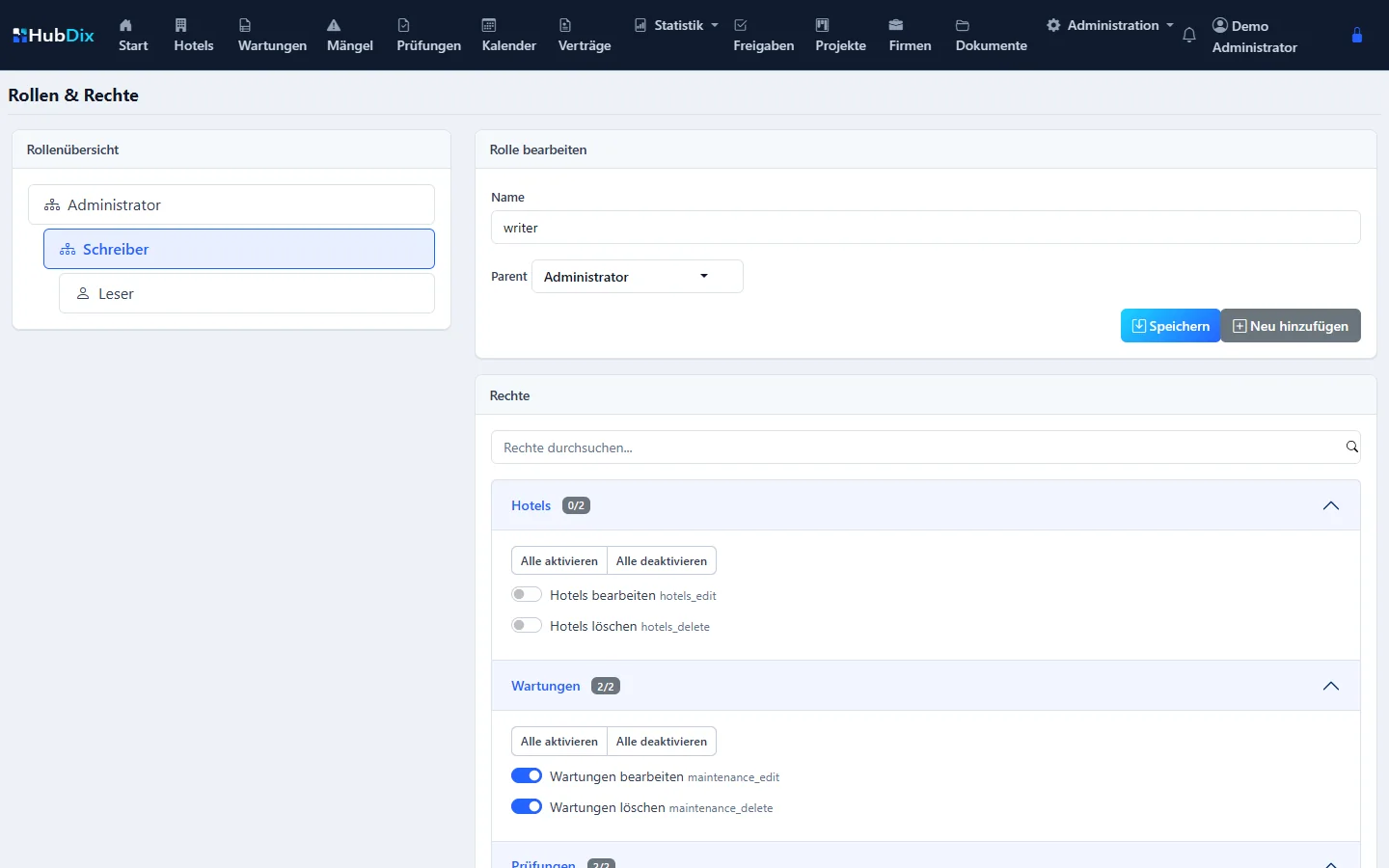
What someone sees depends on their role, permissions, enabled modules and site access. Sites can be grouped; anyone with access to a group sees its sites immediately. For contracts, access by department is added on top.
- Permissions are checked on the server – not just in the interface
- Filters, search and direct links never widen access
- Responsibilities (general manager, technical contact, project lead) are separate from permissions
- Disabled modules disappear completely – menu, key figures, calendar, assistant
Statistics
How are operations developing – and why?
The start page shows what to do now. Statistics show trends: calculated live from existing data, with filters for site, status, asset type, region, group and period.
- Sites: technical status, open defects, overdue items
- Assets: maintenance and inspection coverage, defects by asset type
- Maintenance and inspections: due-date status, completions per month
- Defects: age of open defects, new versus resolved, origin
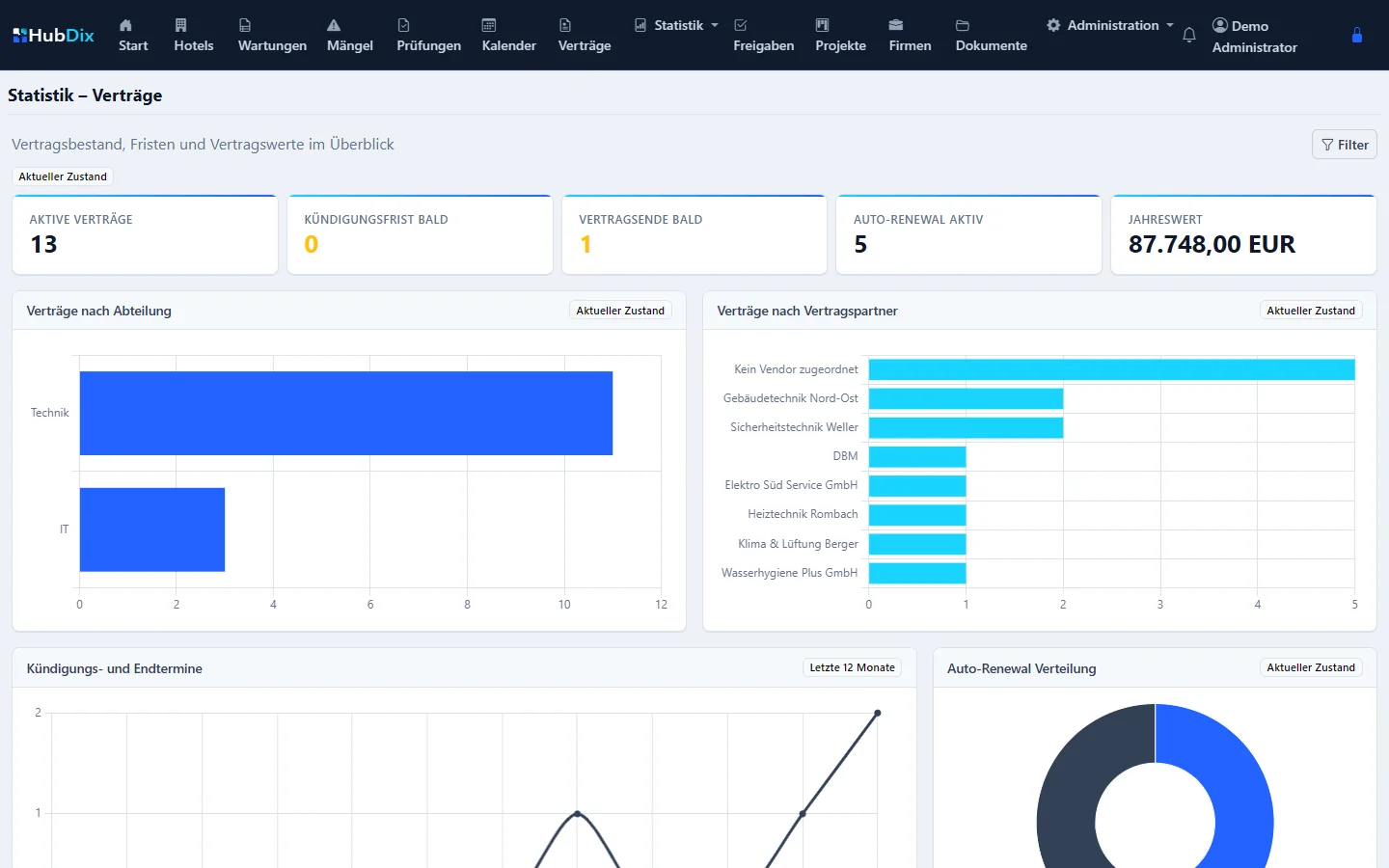
- Contracts: notice and end dates, renewals, annual value by department
Tiles are labelled "current status" or with their period. Where possible, clicking a chart element opens the filtered list.
German and English
Everyone chooses their language. Notifications and emails are created in the recipient's language.
Modular
Core areas are always present. Contracts and projects can be switched on or off per instance.
Traceable
Histories on maintenance, inspections, contracts, approvals and external work orders; a change log for administrators.
Solutions
Solve operational problems
Three typical tasks in technical operations – and how HubDix supports them step by step.
See HubDix for yourself.
The demo is a complete instance with fictitious sites and data. For questions about your operation, your installations and your processes, write to us.
The demo is set up for hotels – features and handling are the same in every industry.